Insights & resources
Why Your Business Isn’t Appearing in Google Maps
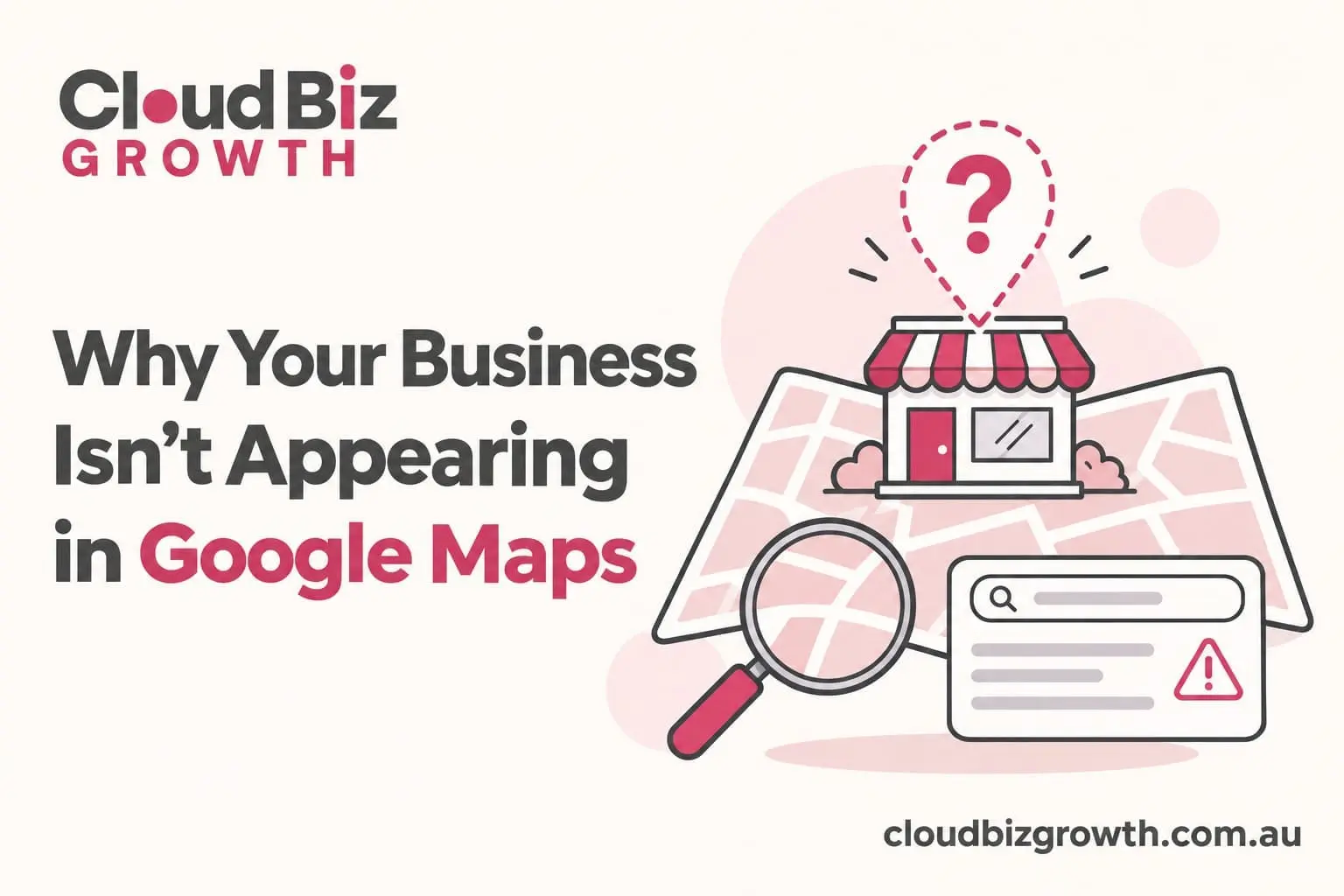
Imagine running a successful business. Delivering excellent services and receiving positive customer feedback. Yet potential customers cannot find you on Google Maps. Your competitors appear when people search for nearby services. But your business will remain invisible.
For Australian small businesses, Google Maps visibility will make a significant difference in attracting local enquiries. Whether you own a dental clinic in Sydney, a plumbing company in Melbourne, or a cleaning service in Brisbane, customers will regularly use Google to compare nearby providers. So a missing or poorly ranked Google Business Profile will mean lost opportunities.
But your business not showing on Google Maps does not always mean something is wrong. Sometimes, the problem will involve verification delays, incomplete information, unsuitable categories, or weak local SEO signals.
This guide will explain the common reasons your business disappears from Google Maps. More importantly, it will explain how to improve its visibility.
Why Is My Business Not Showing Up on Google Maps?
Google will evaluate several factors before displaying businesses in local search results. According to Google’s official guidance, local rankings will primarily depend on three elements: distance, relevance, and prominence.
Google Business Profile Help
| Google Maps ranking factor | What it means | How to improve |
| Relevance | How closely your business matches the search | Choose accurate categories and services |
| Distance | How close your business is to the searcher’s location | Maintain an accurate address or service area |
| Prominence | How well-known and established your business appears | Build genuine reviews, links and local visibility |
For instance, a customer searching for “emergency electrician near me” will see businesses that match the service and location. Even a well-established electrician can struggle if their profile contains inaccurate information. Get details on SEO Agency in Australia.
1. Your Google Business Profile Is Not Verified
One common reason for Google Maps listing problems will involve an unverified Google Business Profile.
Google will use verification to confirm that a business owner or authorised representative manages the listing. Without verification, the profile will not appear properly across Search and Maps.
How to fix it
Visit Google Business Profile. Then check your verification status.
Follow the verification method Google offers, which can involve video recording, email, phone, or another available option. Ensure your submitted business information matches your actual operations.
Verification methods will vary between businesses. Google will determine which options you can use.
2. Your Google Business Profile Contains Incomplete Information
An incomplete profile creates uncertainty about your services.
For example, imagine a Melbourne-based landscaping company that provides lawn mowing, garden maintenance, and residential landscaping. If its profile contains only a business name and telephone number, Google will have less information to understand its offerings.
So Google Business Profile optimisation will start with completing every relevant field.
Add your correct business name, opening hours, primary and secondary categories, website, contact information, services, and useful photographs.
Update public holiday hours and changes to your services whenever necessary.
3. You Selected the Wrong Business Category
Your primary business category will help Google understand what your company primarily does.
Suppose you operate an air-conditioning repair business in Perth. But select a general electrical category. Even though your company will offer electrical services. The chosen category will not accurately represent your main activity.
So your profile can struggle to appear for relevant searches.
Choose the most specific primary category. Then add relevant secondary categories where Google permits them.
But avoid selecting unrelated categories merely to attract more searches. Google will recommend categories that can describe your business.
4. Your Business Address or Map Pin Is Incorrect
Incorrect addresses will confuse potential customers. Also create listing problems.
This issue will frequently affect businesses that relocate, use shared premises, or operate from commercial complexes.
For instance, a Sydney accounting firm can move to another office while its Google listing will show the previous address.
How to correct your location
Open your Business Profile, then review the address under the location settings, and adjust the map pin when necessary.
Ensure your website can display the correct contact details.
When your business visits customers rather than serving them at a storefront, configure a suitable service-area profile. Also, hide the residential or non-customer-facing address where required.
Google will not permit businesses to use an ordinary virtual office address as an eligible location.
5. Your Business Has a Suspended or Restricted Google Listing
A profile can sometimes disappear because Google restricts or suspends it.
Potential causes will include misleading information, ineligible addresses, inappropriate business names, and violations of Google’s Business Profile policies.
A common mistake will involve adding promotional keywords directly to a company name.
For example:
Incorrect: ABC Plumbing – Best Emergency Plumber Melbourne Cheap 24/7
Correct: ABC Plumbing
Unless the extra wording will form part of the genuine business name. Google can consider it inappropriate.
When your profile will face suspension, you can review the reason, correct any policy issues, and use Google’s official appeal process. Prepare genuine supporting documents if necessary. Looking for a WordPress SEO Services in Australia?
6. Your Business Has Duplicate Google Maps Listings
Duplicate profiles will create confusion for business owners and customers.
This problem will often appear after business relocations, when different employees create separate listings or ownership changes.
Customer reviews and business information can become scattered across multiple profiles.
Search Google Maps using your business name, address, previous names, and telephone number.
When you discover duplicates, follow Google’s official processes for correcting, claiming, or requesting a merge where eligible. Avoid deleting a valid listing. Without understanding the consequences.
7. Your Business Has Too Few Genuine Google Reviews
Reviews will contribute to customer confidence and local prominence.
Google will confirm that review quantity and positive ratings will help local ranking. However, reviews do not guarantee a particular position.
Google Business Profile Help
A business with genuine customer feedback can look more trustworthy than a similar company with little visible activity.
So encourage satisfied customers to leave honest reviews.
Respond professionally to positive and negative feedback. Never buy reviews or offer incentives in exchange for favourable ratings.
8. Your Website Has Weak Local SEO Signals
Your website and Google Business Profile must communicate a consistent business identity.
For example, a Brisbane cleaning company can target “commercial office cleaning Brisbane”. But it has a website that barely mentions commercial cleaning.
This creates a relevance gap.
Improve your local SEO optimisation by developing helpful service pages, descriptive headings, accurate contact information, and locally relevant content.
Use appropriate structured data. This includes LocalBusiness schema where applicable.
Remember that schema will help search engines interpret website information. But it does not guarantee better Google Maps rankings.
9. Your Business Information Is Inconsistent Across Directories
Your NAP information will refer to your business name, address, and phone number.
When one directory displays an old phone number while your website shows a different address, customers will struggle to identify the correct details.
Consistent citations are not a guaranteed ranking formula. Accurate information will strengthen your wider online presence.
Check your website, social media profiles, major business directories, and industry listings. Then correct outdated information.
Prioritise reputable Australian directories and platforms relevant to your industry, rather than creating hundreds of low-quality listings.
10. Your Competitors Have Stronger Local Visibility
Sometimes, your listing is active and healthy, but stronger competitors appear ahead of you.
For example, a Melbourne dental practice might rank for its business name but struggle for “dentist near me”.
This will represent a Google Maps ranking problem. Not a missing listing.
Competitors can have stronger local recognition, useful website content, more relevant business information, or better-established online reputations.
Your search location will matter. A business ranking well in one suburb may appear much lower several kilometres away. Get details on Magento SEO Services in Australia.
11. Your Business Is New or Recent Changes Haven’t Appeared
New businesses will often expect immediate Google Maps visibility.
But profile verification, information updates, review processes, and search ranking changes can take time.
A new business will appear when customers search its exact name. But not when they search competitive terms like “best accountant Melbourne”.
So distinguish between a profile that Google cannot display and one that simply does not rank prominently.
Avoid repeatedly changing your address, business name, or categories without a valid reason.
12. Your Service Area Does Not Guarantee Rankings Everywhere
Service-area businesses frequently assume that selecting several suburbs will make them rank across every location.
That assumption can be incorrect.
A plumbing company based in Melbourne can serve multiple surrounding suburbs. But entering those suburbs as service areas will not guarantee prominent rankings in each one.
Distance, prominence and relevance still influence search results.
But build an accurate profile, create useful location-specific website content and explain your genuine service coverage, where appropriate.
Google can set rules for eligible service-area businesses. This includes how they represent their operating locations.
Related Services:
» Meta Ads Management Services in Australia
» Website Design Services in Australia
» Shopify SEO Services in Australia
» BigCommerce SEO Services in Australia
» Wix SEO Services in Australia
» WooCommerce SEO Services in Australia
Google Maps Not Showing Your Business: Problems and Solutions
| Problem | Possible reason | Recommended action |
| Business completely missing | Unverified or restricted profile | Check verification and status |
| Business appears under the wrong category | Incorrect primary category | Select an accurate category |
| Business appears at the wrong location | Address or map pin error | Update location details |
| Multiple versions appear | Duplicate profiles | Review and resolve duplicates |
| Business appears only by name | Limited local search visibility | Improve relevance and prominence |
| Customer enquiries are low | Weak profile information or competition | Improve profile and website experience |
| Service locations are missing | Incorrect service-area configuration | Review genuine service coverage |
How Long Does It Take to Improve Google Maps Rankings?
There will be no fixed ranking improvement timeline.
Business owners will use a practical schedule for organising their optimisation work.
| Period | Suggested SEO activities |
| Week 1 | Audit the listing, verification and business details |
| Week 2 | Correct categories, services and location information |
| Week 3 | Improve website content and review major citations |
| Week 4 | Review customer feedback and measure profile performance |
| Months 2–3 | Continue local content, reputation and authority building |
These periods will represent a suggested work plan. Not promised Google approval or ranking times.
Related Articles:
» How to Optimise Your Google Business Profile?
» Google Maps SEO: How Local Rankings Work?
» Local SEO Checklist for Australian Small Businesses
» How Much Does Local SEO Cost in Australia?
» Multi-Location SEO for Australian Franchise Businesses
Improve Your Google Maps Visibility with Cloud Biz Growth
A business that customers cannot discover locally will miss valuable enquiries. Even when it offers excellent services.
Cloud Biz Growth will help Australian businesses strengthen their digital visibility through Google Business Profile optimisation, local SEO services, technical SEO, and location-focused search strategies.
Whether your business operates in Melbourne, Brisbane, Perth, Sydney, or another Australian city, the right approach will start with identifying the cause of poor visibility.
Instead of relying on shortcuts, relevant content, focus on accurate business information, genuine reviews, and consistent improvements.
Do you want more customers to discover your business on Google Maps? Contact Cloud Biz Growth to discuss your local SEO requirements.
FAQs: Why Your Business Isn’t Appearing in Google Maps
1. Why is my business not appearing on Google Maps?
Your business will not appear because your Google Business Profile can lack verification. It contains inaccurate information or faces restrictions. A weak local ranking can prevent it from appearing for competitive keywords. Cloud Biz Growth will help identify visibility problems through a local SEO audit.
2. How do I get my business to appear on Google Maps?
Create or claim an eligible Google Business Profile. Also complete the required verification. Add accurate business information, select relevant categories, and maintain your profile. However, appearing for general local searches depends on Google’s ranking systems.
3. Why is my Google Business Profile not showing in search results?
Your profile can be restricted, unverified, recently updated, or affected by incorrect information. It can exist but rank too low for your search. Start by checking the exact business name and profile status.
4. How can I improve my Google Maps ranking in Australia?
Optimise your business services, categories, website, contact information, and local relevance. Also collect genuine customer reviews and maintain accurate business details. Cloud Biz Growth will provide local SEO support for Australian businesses seeking better online visibility.
5. Does Google Business Profile verification guarantee Google Maps visibility?
No. Verification will confirm your authority to manage an eligible business listing. But it does not guarantee top rankings. Google will consider relevance, distance, and prominence when displaying local results.
6. Why does my business appear on Google Maps but not under local keywords?
Your listing can lack relevance or prominence for those keywords. Also competing businesses can rank more strongly near the searcher’s location. Improve your services, categories, website content, and customer reputation.
7. Can incorrect business categories affect Google Maps rankings?
Yes. Incorrect categories will reduce how accurately Google matches your profile with relevant searches. So select the most appropriate primary category and genuinely relevant secondary categories. Cloud Biz Growth can review these settings as part of Google Business Profile optimisation.
8. How long does a new business take to appear on Google Maps?
The timeline will vary according to eligibility, verification, and Google’s processing requirements. Some approved information updates can appear relatively quickly. While other changes will require additional review. Competitive local keyword rankings will take longer to develop.
9. Do Google reviews help businesses rank higher on Maps?
Google will confirm that review quantity and positive ratings can contribute to local ranking. But reviews are only one part of the process. Businesses must prioritise genuine customer feedback and helpful responses, rather than artificial review generation.
10. Why is my business ranking lower than competitors on Google Maps?
Competitors can have stronger local prominence, better proximity to searchers, or more relevant information. Also, their websites and online reputations can support stronger visibility. Cloud Biz Growth can assess these differences through a local competitor analysis.
11. Can a service-area business appear on Google Maps without displaying an address?
Yes. Eligible service-area businesses will hide their physical address and specify the locations they serve. But they must comply with Google’s eligibility and service-area guidelines. Selecting additional suburbs will not guarantee rankings in those locations.
12. Can local SEO services help my business appear more prominently on Google Maps?
Yes. Professional local SEO services will identify profile errors, improve a business’s wider digital presence and strengthen local relevance. Cloud Biz Growth will assist with business profile optimisation, local website SEO, and competitor research. But no agency can guarantee a specific Google Maps ranking.